


See You at AppManagEvent 2026 – It’s Going to Be a Good One
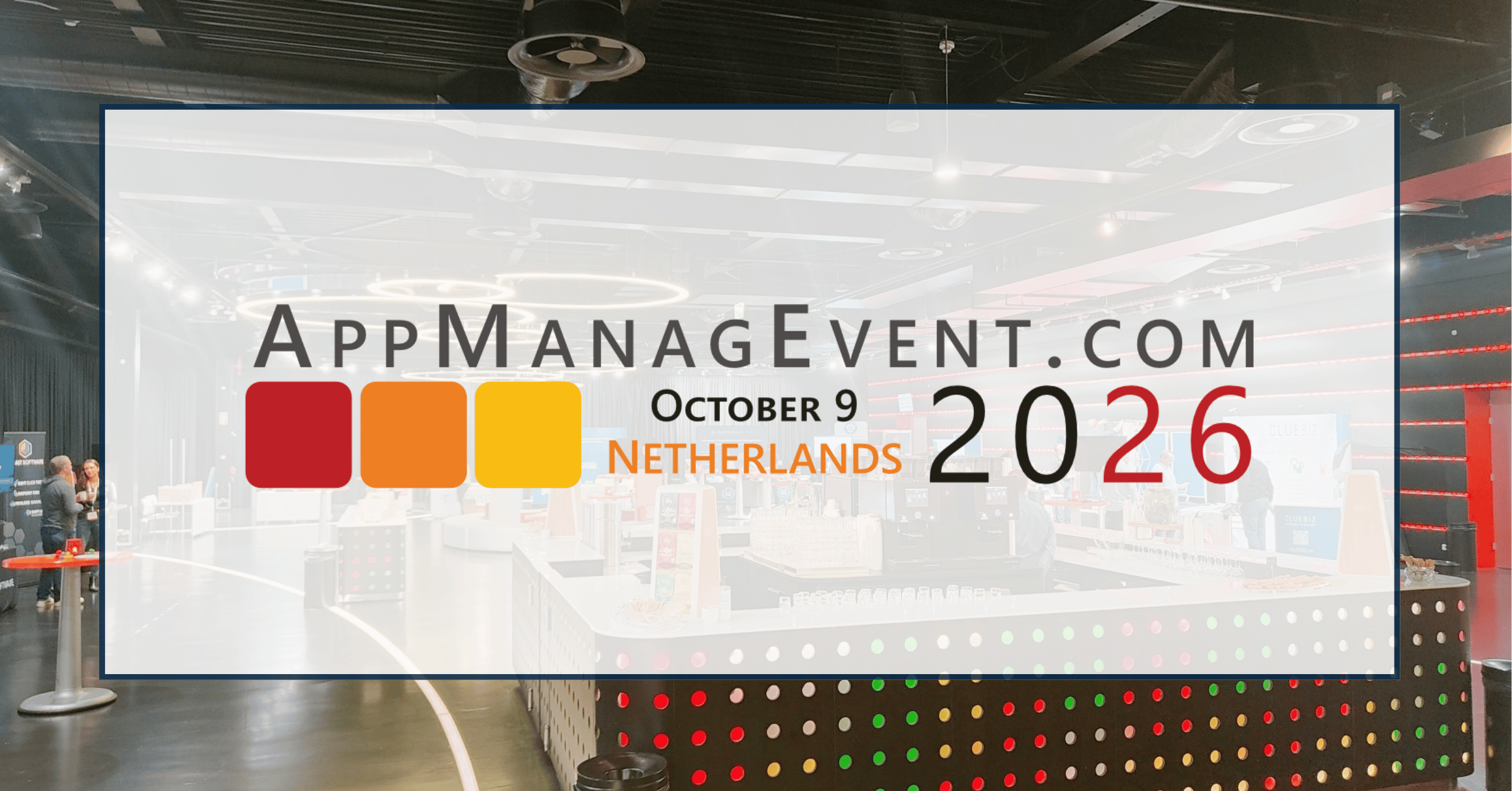
AppManagEvent is always a highlight on the endpoint management calendar. Access IT Automation is a Gold Partner of…

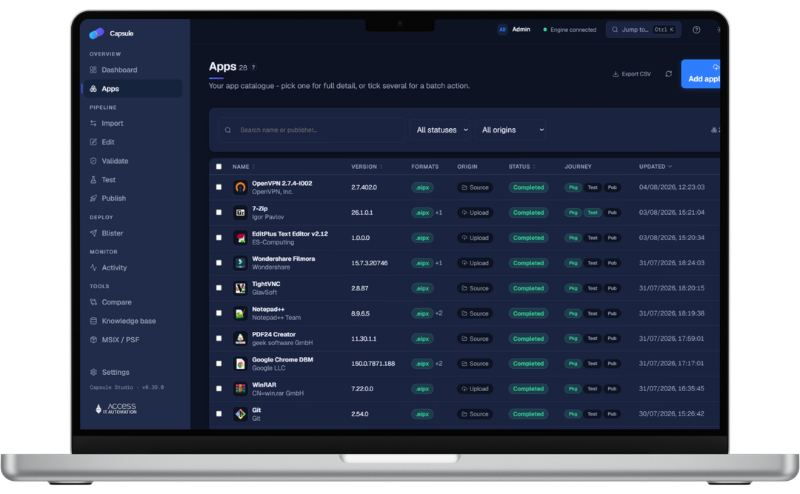
Capsule captures an application into one sealed, signed .EIPX master. From that one master you deliver it natively through Microsoft Intune, run it isolated with nothing installed into Windows, attach it on a virtual disk at sign-in, or stream it on demand. Capsule Studio and the .EIPX format are free. Capsule Deploy and Capsule Store are licensed.

Studio + the .EIPX format
delivery rails, one master
runs on Azure
gated, keyless, signed
The Capsule Family
Package once in Studio, then choose how you deliver.

Free
The packaging workbench. Capture, edit, validate, test and publish from one .EIPX master, in a browser, on Azure.

Licensed
The delivery console for IT. Assign apps to people, move them between versions, and see what is really installed.

Licensed
The self-service storefront for your people. They find the apps they are entitled to and request them.
Give every packager the free Studio and get .EIPX everywhere in your estate. When you want to deliver at scale, or hand people a storefront, add Capsule Deploy and Capsule Store as licensed products, priced as an affordable add-on to the Microsoft investment you already have.
An .EIPX master is a single package that carries everything an application puts on a machine, and a signed record of exactly what that is. It is the one thing you package, test and keep. Everything else is produced from it.
Every master is signed with a key held in your Azure Key Vault. A cryptographic integrity map covers every byte, so an endpoint can prove a package is unaltered before it runs anything.
Content is stored once, by what it is, not by where it sits. New versions share everything that did not change, so an update moves only what is new.
Files, registry, shortcuts and icons, file types, shell and COM registrations, services, drivers and virtual printers, and the settings a person keeps between sessions.
From the same master, produce MSI, MSIX, an Intune package, a WinGet manifest, or a mountable VHDX or CimFS layer. Bring existing MSI, App-V and MSIX packages in the same way.
The same master, delivered the way each desktop needs. Mix them across your estate.
A normal installation, through Microsoft Intune or the Capsule agent. With the agent it repairs itself: a deleted or damaged file is restored the next time the app opens, even for a standard user.
Runs in its own bubble with nothing installed into Windows, no administrator rights, and clean removal.
Attaches on a VHDX or CimFS virtual disk at sign-in, for pooled and multi-session hosts, so the golden image stays golden.
Starts before it has fully arrived, fetching only what it reads, and keeps what it fetched for next time.
Streamed and isolated apps are offered by Windows for the documents they open, in Open with and the default-app chooser, and are never forced on anyone as the default.
Available Now
Move a group to a newer or an earlier version. Changed files are replaced, what the new version no longer needs is removed, and a failed upgrade leaves the previous version working.
Available Now
A file a person or an admin changed since install is kept when the new version no longer needs it, and it is named in the application’s log.
Available Now
Entitlement is resolved for the person signing in, so their apps are there on whichever desktop they use.
Available Now
Software is removed by an explicit uninstall, never because nobody happens to be signed in. Shared and persistent desktops keep their apps ready.
Capsule is built on Microsoft and Azure first-party technology, and it works through the products you already pay for.
Native publish, upgrade by supersedence, and agentless uninstall through Microsoft Graph
An on-ramp for the legacy apps that usually block an MSIX move
Layers that attach at sign-in on pooled and multi-session hosts
The same apps, from the same master, on every Cloud PC
Sign-in, and group-based entitlement for every app
The content library and catalogue live in your Azure, with no keys or connection strings
Signing keys and secrets stay in your vault, never in a file
Bought and billed through your Azure agreement
Coming
Security is built into the format and the platform, not bolted on. Every .EIPX master is content-addressed, integrity-checked and signed. Apps can run fully isolated with nothing written into Windows, and the whole platform is keyless and Entra-gated.
Key Vault signing and tamper-evident integrity on every package.
Its own bubble, no administrator rights, and clean removal with nothing left behind.
Isolation and streaming use Windows’ own built-in components. Capsule adds two small user-mode services.
Managed identity throughout. No keys or connection strings to leak.
Isolated, streamed, and layered apps check entitlement every time they start, so removing someone from a group takes effect within minutes.
A running app cannot cover a Windows or Program Files folder.
Studio
Community edition
Package, test and publish to Intune.
Deploy
/user/month
or ~ $25 /device/year
Delivery in every style, incl. streaming, with version control and fleet health.
Store
/user/month
or ~ $10 /device/year
Self-service storefront for your people, including streamed delivery.
Suite
/user/month
Deploy and Store together, saving about 14%.
Premium Runtime
Isolation and self-healing delivery.
We will package an application in Capsule Studio, publish it to Microsoft Intune, stream it on demand and attach it as a layer, live, across the whole product. Prefer to start on your own? Ask for early access to Capsule Studio.
"*" indicates required fields
AppManagEvent is always a highlight on the endpoint management calendar. Access IT Automation is a Gold Partner of…
As of July 2026, Access Symphony is now natively supported on ARM64-powered Windows 11 devices with no emulation…
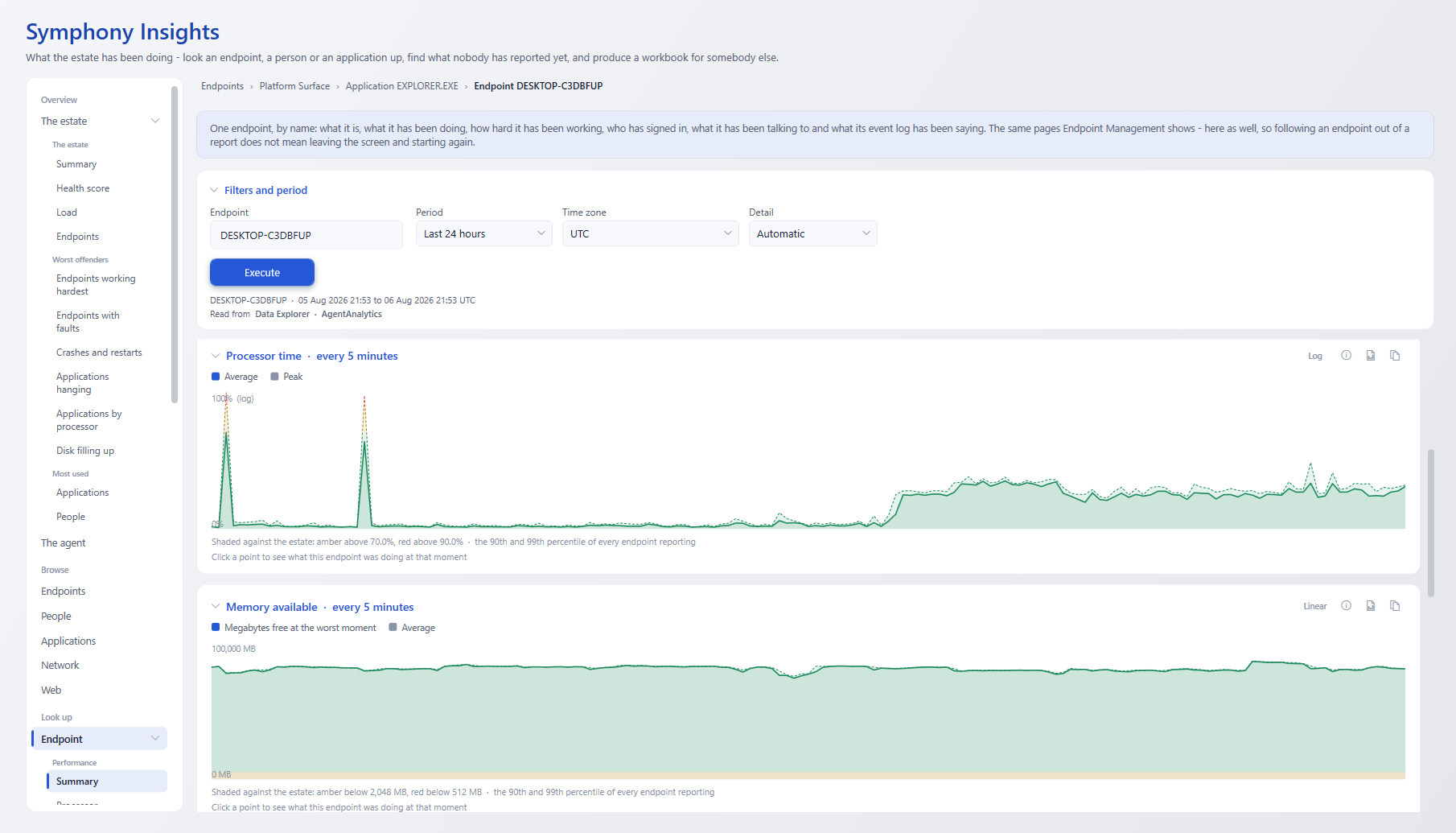
Most IT reporting tells you what happened. Symphony Insights asks the harder question: What exactly should you do…
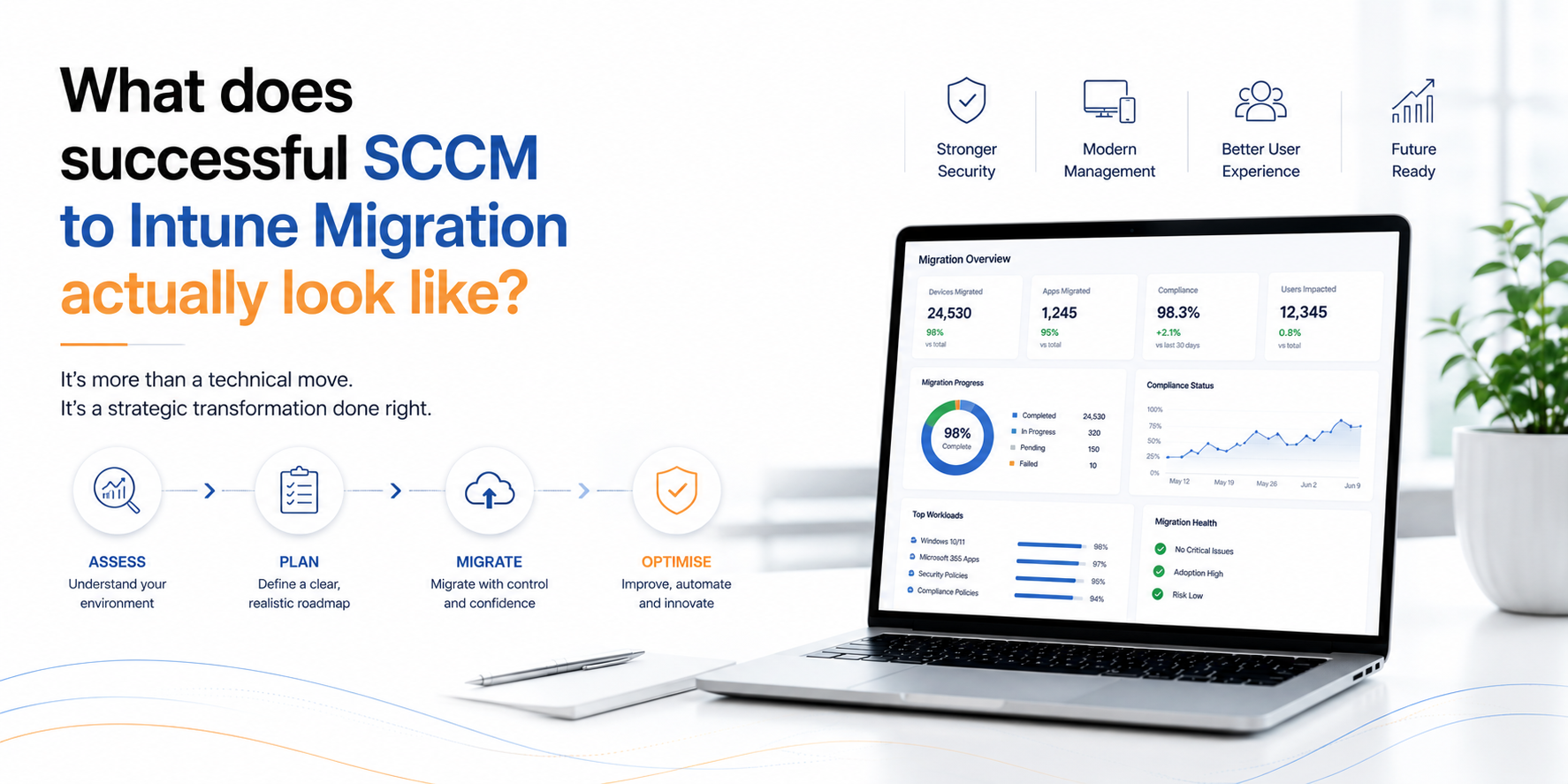
Every organisation wants to modernise its endpoint management. Few, however, want the disruption that large-scale migration projects are…
"*" indicates required fields
Our complimentary demonstration is designed to highlight the product features most pertinent to your needs. From application packaging and testing to actionable insights and performance visualisation, let’s explore how you can elevate your modern desktop.
"*" indicates required fields