


See You at AppManagEvent 2026 – It’s Going to Be a Good One
AppManagEvent is always a highlight on the endpoint management calendar. Access IT Automation is a Gold Partner of…

Your SCCM to Intune migration, finally made simple.
Capture Shift gives your IT team a single, visual command centre to assess, plan, and execute application migrations. It will accelerate your move from legacy app management to modern, cloud-first delivery. No spreadsheets. No guesswork.
The Origin
In IT, lift-and-shift has always described moving something from one environment to another. For desktop application migrations, that process has never been simple. Until now. Capture Shift takes friction out of the transition. By giving your team accurate intelligence about every application in your estate, you no longer have to guess, stall, or rely on a 2,000-row spreadsheet.
"We make the Complex - Simple"
Every component and feature of Capture Shift maps back to the same three outcomes, all of which matter most when you’re in the middle of a migration.
See your entire application estate in one place, pulled from SCCM via an API connection. No exports, no imports, no guessing.
Plan, sequence, and execute on your terms. Group applications, build migration waves, and make decisions with minimal clicks.
Migrate with evidence, not assumptions. Every readiness score is data-backed, so every decision you make is grounded in fact.
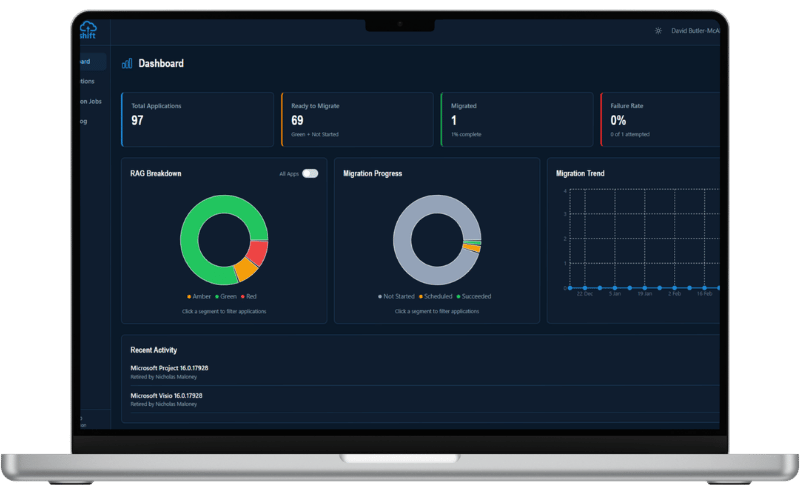
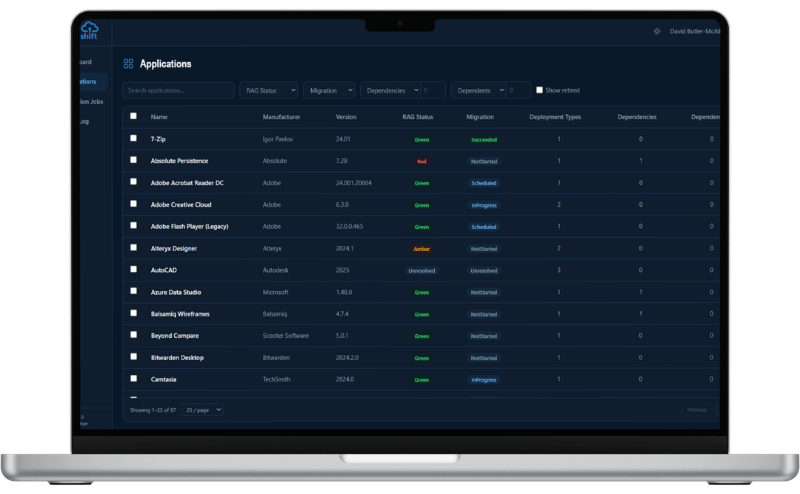
See your full application estate at a glance. Sort, filter, and group with minimal clicks. This is data visualisation designed for decisions, not data entry.
Access accurate application data without messy manual exports or imports. Capture Shift connects directly to SCCM via proven Access Capture APIs.
When you're ready to migrate, Capture Shift automatically creates Intune publishing objects. This used to take hours. With Capture Shift, it now takes seconds.
Group applications into waves, plan around business rhythms, and see dependency conflicts before they become incidents.
Automated readiness scoring gives every application a validated confidence rating, so you always know what's genuinely ready to move.
Track migration progress across your full estate. You'll always have a crisp, data-backed answer ready for your next steering committee.
The team behind Capture Shift brings over 50 years of collective migration experience. Not theory. Real projects, real frustrations, real lessons.
50+
Years Migration Experience
2
Reliable API Connections
1
Platform. Zero Spreadsheets
No barriers to entry. Capture Shift is available in a format that works best for your organisation.
Already an Access Capture customer? Capture Shift is ready and waiting as your fifth module. No new contracts, no new setup.
Not yet on Access Capture? No problem. Capture Shift is available as a fully independent, subscription-based SaaS product. Start fast, scale easily.
Already working in the Azure ecosystem? Deploy Capture Shift directly from the Azure Marketplace in just a few clicks.
Already underway with SCCM to Intune and losing track? Capture Shift gives you instant visibility and control.
If your migration plan still lives in a spreadsheet, Capture Shift is the more efficient and effective alternative.
Need to demonstrate migration progress to leadership with confidence? Capture Shift gives you the data-backed dashboard to do it.
Haven't kicked off your migration yet? Start right. Capture Shift sets you up with a visual, intelligent foundation from day one.
Access Capture is Access IT Automation’s intelligent suite for packaging, testing, and publishing the apps in your IT estate. Capture Shift is the new, forward-thinking addition to the family.
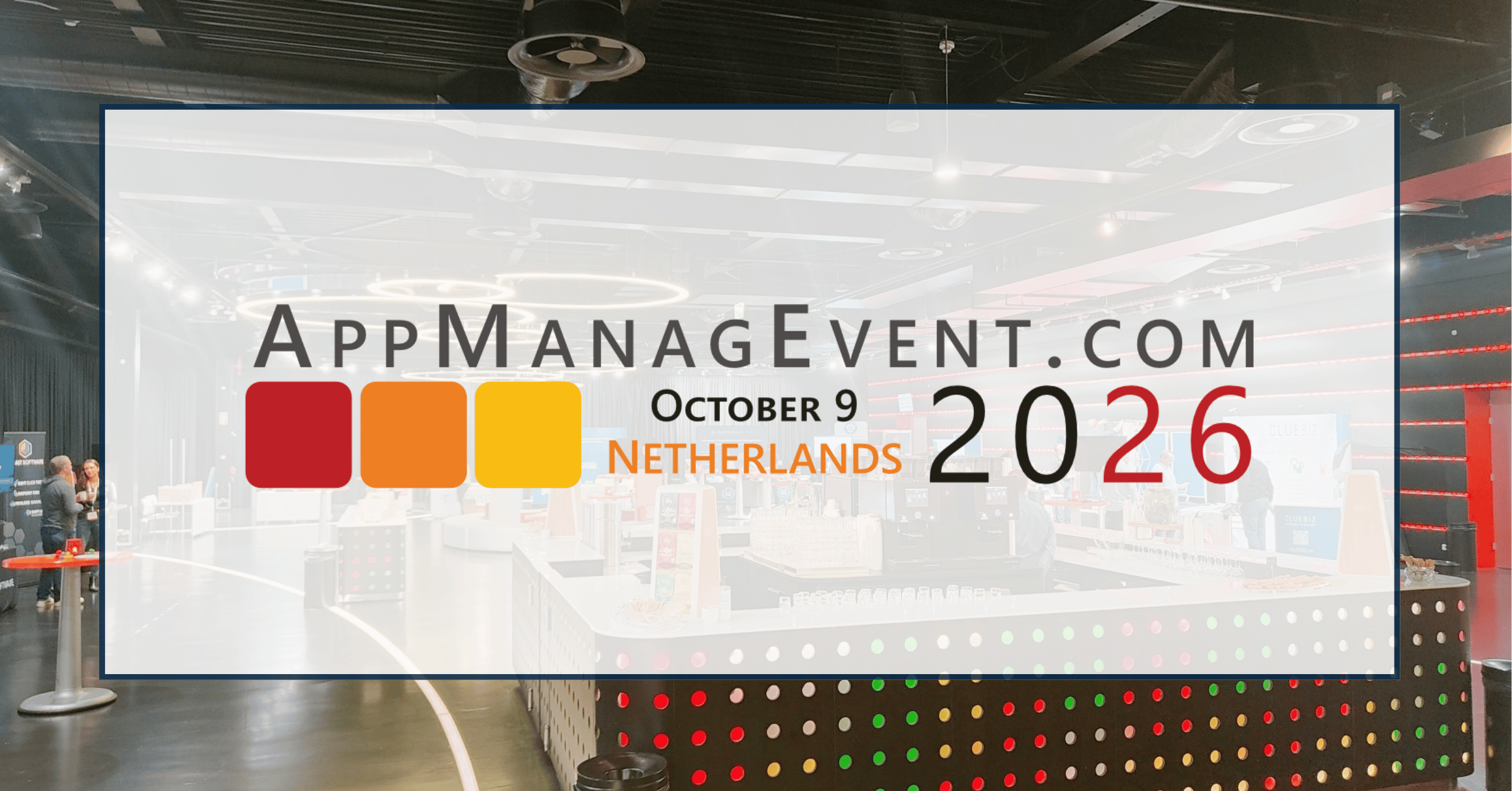
AppManagEvent is always a highlight on the endpoint management calendar. Access IT Automation is a Gold Partner of…
As of July 2026, Access Symphony is now natively supported on ARM64-powered Windows 11 devices with no emulation…
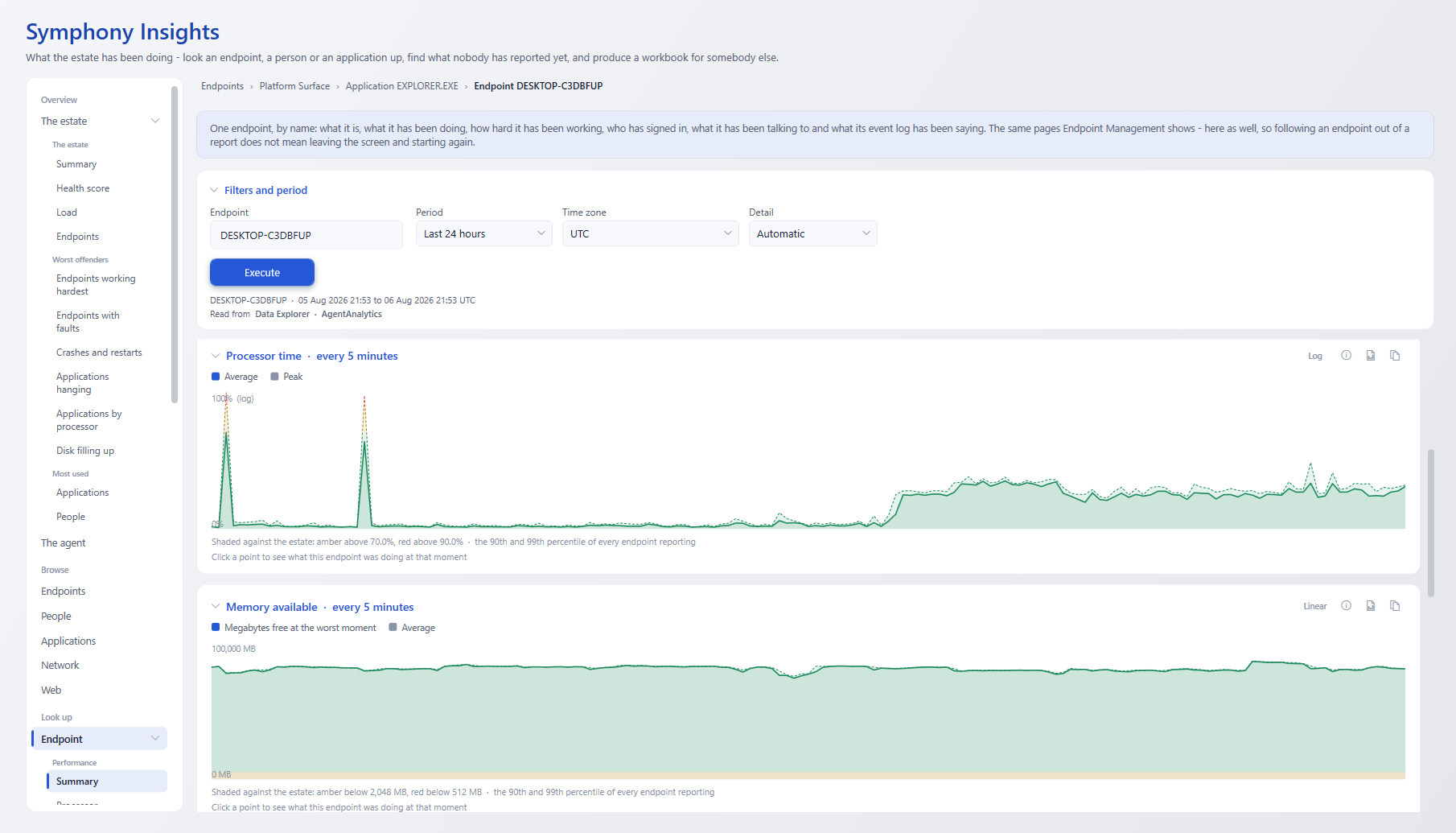
Most IT reporting tells you what happened. Symphony Insights asks the harder question: What exactly should you do…
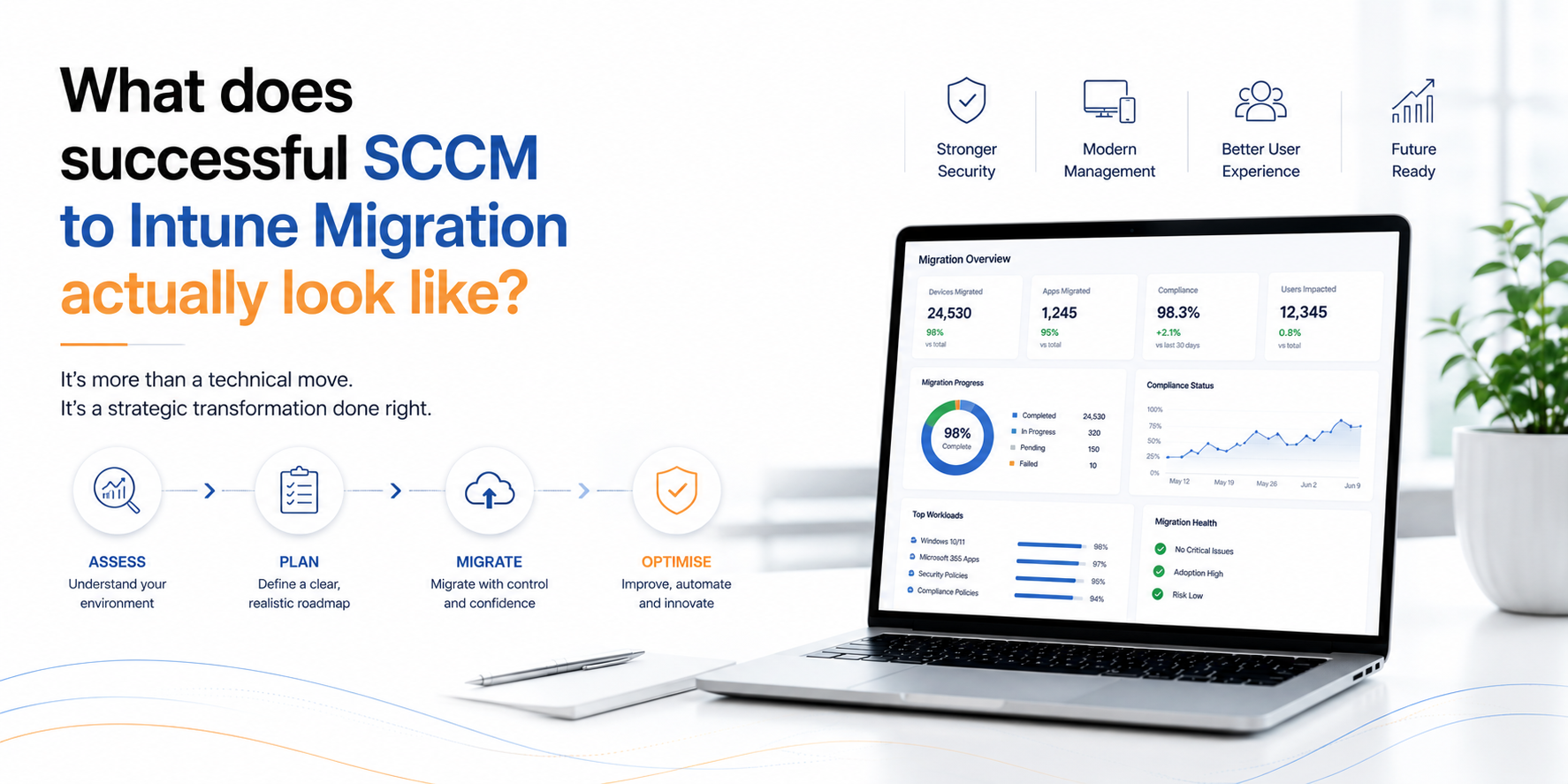
Every organisation wants to modernise its endpoint management. Few, however, want the disruption that large-scale migration projects are…
"*" indicates required fields
Our complimentary demonstration is designed to highlight the product features most pertinent to your needs. From application packaging and testing to actionable insights and performance visualisation, let’s explore how you can elevate your modern desktop.
"*" indicates required fields